Why Alteryx Migrations Are Uniquely Complex
Alteryx has earned a loyal following among analysts and data engineers for good reason: its drag-and-drop canvas lets non-programmers build sophisticated data pipelines without writing a single line of code. But that visual simplicity conceals layers of complexity that surface the moment an organization decides to migrate to Python.
Unlike text-based languages where migration tools can parse source code directly, Alteryx workflows are stored as XML files (.yxmd for standard workflows, .yxwz for analytic apps, .yxmc for macros). Each tool on the canvas is serialized as an XML node containing configuration parameters, connection metadata, and expression logic embedded in custom Alteryx formula syntax.
The core challenges fall into several categories:
- Visual logic without explicit control flow: Canvas connections define execution order implicitly. A Python translation must reconstruct the directed acyclic graph (DAG) and impose a linear or parallel execution sequence.
- Custom macros: Organizations often have hundreds of reusable macros that encapsulate business logic. Each macro is itself a nested workflow that must be translated into a Python function or class.
- Proprietary connectors: Alteryx ships with native connectors to Salesforce, SAP, Snowflake, and dozens of other platforms. Each connector has unique authentication patterns, pagination logic, and schema-mapping conventions.
- Formula language: Alteryx formulas use a proprietary syntax that resembles—but is not identical to—Excel functions. Expressions like
IF Contains([Field1], "ABC") THEN Left([Field2], 5) ELSE NULL() ENDIFmust be parsed and translated to equivalent pandas or PySpark logic.

Alteryx to Python migration — automated end-to-end by MigryX
Alteryx Tools: Why Simple Mapping Is Not Enough
At first glance, migrating Alteryx tools to Python seems straightforward—each visual tool should have a code equivalent, right? In practice, the challenge is not finding the right Python function but handling the surrounding context: implicit type coercion, connection metadata, expression syntax, and the execution order encoded in the canvas layout.
| Alteryx Tool | Category | Complexity | Key Challenge |
|---|---|---|---|
| Input / Output Data | In/Out | Medium | Alteryx connection strings embed credentials, pagination, and format hints that have no single Python equivalent |
| Formula / Multi-Row Formula | Preparation | High | Proprietary expression language with row-relative references; requires a full parser, not simple string replacement |
| Join / Union | Join | Medium | Visual join configuration hides key-matching rules, column renaming, and handling of unmatched records |
| Summarize / Cross Tab | Transform | High | Aggregation definitions are stored as XML attributes; grouping, pivoting, and custom concatenation must be reconstructed |
| Regex / DateTime | Parse | High | Alteryx regex modes (match, parse, tokenize, replace) and date format tokens differ from Python conventions |
MigryX maps 40+ Alteryx tools to their Python equivalents, handling visual workflow logic that has no direct code representation. The remaining spatial, predictive, and custom SDK tools are flagged for guided manual review.
MigryX: Purpose-Built Parsers for Every Legacy Technology
MigryX does not rely on generic text matching or regex-based parsing. For every supported legacy technology, MigryX has built a dedicated Abstract Syntax Tree (AST) parser that understands the full grammar and semantics of that platform. This means MigryX captures not just what the code does, but why — understanding implicit behaviors, default settings, and platform-specific quirks that generic tools miss entirely.
Handling the Hardest Parts: Macros, Iterative Logic, and Batch Processing
Standard tool-to-function mapping works well for linear workflows, but Alteryx’s macro system introduces recursion and parameterization that requires a deeper translation strategy.
Standard and Batch Macros
A standard Alteryx macro (.yxmc) is a reusable sub-workflow with defined input and output anchors—essentially a visual function. Batch macros add another layer: they iterate over a control parameter, running the inner workflow once per distinct value. In both cases, the macro encapsulates business logic that was never designed to be expressed as code.
Alteryx macros—both Standard and Batch—encapsulate reusable logic that requires careful decomposition into Python functions. MigryX preserves the parameterized behavior while generating clean, testable Python code.
Iterative Macros
Iterative macros loop until a convergence condition is met. The convergence criteria, maximum iteration counts, and intermediate state management are all embedded in the macro’s XML configuration—making these among the hardest constructs to migrate reliably without automation.
MigryX: Direct .yxmd/.yxwz XML Parsing
MigryX parses Alteryx workflow files at the XML level, extracting every tool configuration, connection, expression, and macro reference. This means you do not need a running Alteryx Server to analyze your portfolio. MigryX reads the raw .yxmd, .yxwz, and .yxmc files, builds a complete dependency graph, and generates equivalent Python code—including parameterized functions for every macro in your library.
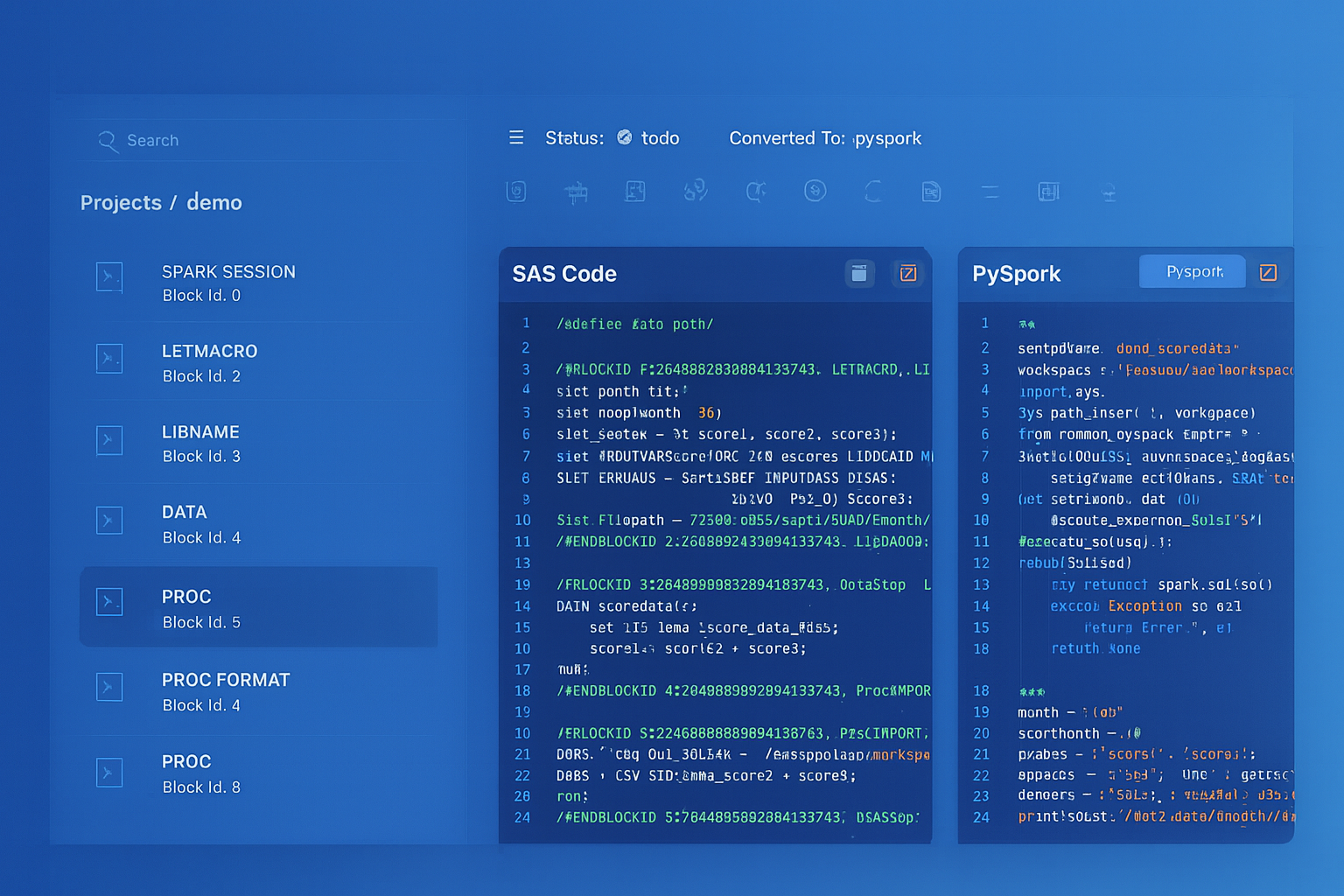
From parsed legacy code to production-ready modern equivalents — MigryX automates the entire conversion pipeline
From Legacy Complexity to Modern Clarity with MigryX
Legacy ETL platforms encode business logic in visual workflows, proprietary XML formats, and platform-specific constructs that are opaque to standard analysis tools. MigryX’s deep parsers crack open these proprietary formats and extract the underlying data transformations, business rules, and data flows. The result is complete transparency into what your legacy code actually does — often revealing undocumented logic that even the original developers had forgotten.
Expression Translation: From Alteryx Formulas to Python
The Alteryx formula language is one of the trickiest aspects of migration. It blends string functions, date functions, conditional logic, and type casting in a syntax that has no direct Python equivalent. Consider this Alteryx formula:
IF IsNull([Revenue]) THEN 0
ELSEIF [Revenue] < 0 THEN ABS([Revenue])
ELSE [Revenue] * (1 + [TaxRate] / 100)
ENDIF
Even this relatively simple expression involves null handling, conditional branching, and arithmetic—each of which behaves differently in Python than in Alteryx. Now multiply that by the hundreds of formula tools in a typical enterprise workflow.
Alteryx formulas use a proprietary expression language with 200+ functions. MigryX translates these to pandas equivalents, handling type coercion, null semantics, and date parsing differences automatically.
The Role of Automation in Large-Scale Migration
Manual translation is feasible for a handful of workflows, but enterprise Alteryx environments often contain hundreds or thousands of .yxmd files with deep macro dependencies. At this scale, automation is not optional—it is essential.
MigryX follows a structured migration process: analyze your Alteryx environment, convert workflows to Python, and validate output equivalence—all largely automated. This end-to-end approach ensures that macro dependencies, connection metadata, and expression logic are handled consistently across your entire portfolio.
With an automated approach, the majority of workflows convert automatically on the first pass. The remaining workflows—typically those involving spatial analytics, in-database processing, or heavily customized SDK tools—are flagged for guided manual refinement.
Best Practices for Testing Converted Workflows
Conversion accuracy is only meaningful if it can be verified. Follow these testing best practices to ensure your migrated Python code produces identical results:
- Snapshot input data: Freeze a representative sample of input data that covers edge cases—nulls, empty strings, extreme values, and date boundary conditions.
- Row-count reconciliation: Compare the number of output rows between the Alteryx workflow and the Python script. Mismatches often indicate join type differences or filter expression errors.
- Column-level comparison: For each output column, compute hash digests or statistical summaries (min, max, mean, distinct count) and compare across both platforms.
- Order-sensitive validation: If the workflow produces sorted output, verify that sort order is preserved. Pandas and PySpark may handle tie-breaking differently than Alteryx.
- Null semantics: Alteryx treats nulls differently from Python in many contexts. Pay special attention to null propagation in arithmetic operations, string concatenation, and conditional logic.
- Performance profiling: While correctness is the primary goal, measure execution time and memory usage to ensure the Python equivalent is operationally viable at production data volumes.
A rigorous testing framework—ideally automated with CI/CD integration—transforms migration from a one-time project into a repeatable, auditable process that stakeholders can trust.
Why MigryX Is the Only Platform That Handles This Migration
The challenges described throughout this article are exactly what MigryX was built to solve. Here is how MigryX transforms this process:
- Deep AST parsing: MigryX’s custom-built parsers achieve 95% accuracy on every supported legacy technology — not through approximation, but through true semantic understanding.
- Merlin AI augmentation: Where deterministic parsing reaches its limit, Merlin AI resolves ambiguities and implicit behaviors, pushing accuracy to 99%.
- Complete coverage: MigryX supports 25+ source technologies including SAS, Informatica, DataStage, SSIS, Alteryx, Talend, ODI, Teradata, and Oracle PL/SQL.
- End-to-end automation: From parsing to conversion to validation — MigryX automates the entire pipeline, not just one step.
MigryX combines precision AST parsing with Merlin AI to deliver 99% accurate, production-ready migration — turning what used to be a multi-year manual effort into a streamlined, validated process. See it in action.
Ready to modernize your legacy code?
See how MigryX automates migration with precision, speed, and trust.
Schedule a Demo